
How DevPactTeam turned fragmented manual processes into an integrated workflow layer for nearly 1,000 employees
Client: Araya Aramin Holding
Industry: Insurance and financial services
Solution: Enterprise workflow automation and
ProcessMaker integration
Technology: ProcessMaker 4.7, Laravel, Vue.js, MySQL,
SigNoz
Delivery team: 1–2 frontend developers, 1 backend
developer, and a project manager, involved at different stages
At a glance
- 1.7M+ workflow requests initiated
- 1.44M+ workflow requests completed
- ~14M task records
- 178 process definitions, with the majority supporting active operations
- Nearly 1,000 organizational users
- ~1,000 API requests per minute at peak during business hours
The context
Araya Aramin Holding operates across multiple branches and subsidiaries in the insurance sector. As the Aramin Business Operations Platform expanded, the organization needed a practical way to digitize a growing number of administrative, financial, sales, payment, and insurance workflows.
The workflow initiative began approximately six months after development of the main Aramin platform started. The first production workflow supported a sales process and was delivered under a tight operational deadline in approximately two weeks.
That first implementation became the starting point for a much broader operational workflow layer.
The problem
Most processes were previously handled on paper. Others relied on spreadsheets, SMS, Telegram messages, or a mixture of disconnected methods. In some cases, there was no documented process at all.
This created practical problems across the organization:
- Requests could be delayed, overlooked, or difficult to trace.
- Employees did not always know who was responsible for the next step.
- Managers lacked a consistent view of process status and history.
- Reporting required manual follow-up and consolidation.
- Different units could handle similar requests in different ways.
- Introducing or changing workflows depended on fragmented tools and manual coordination.
The challenge was therefore larger than converting paper forms into digital screens. Some processes first had to be understood, structured, and turned into repeatable operational workflows.
The decision: use a workflow engine, not build one from scratch
The organization already used another system for a highly complex legacy workflow containing approximately 200 steps. Replacing that process immediately would have introduced unnecessary operational risk.
We chose a gradual approach. Some existing processes were migrated, while new workflows were built on ProcessMaker 4.7. This allowed the organization to reduce new dependencies on the previous system without forcing a high-risk, all-at-once replacement.
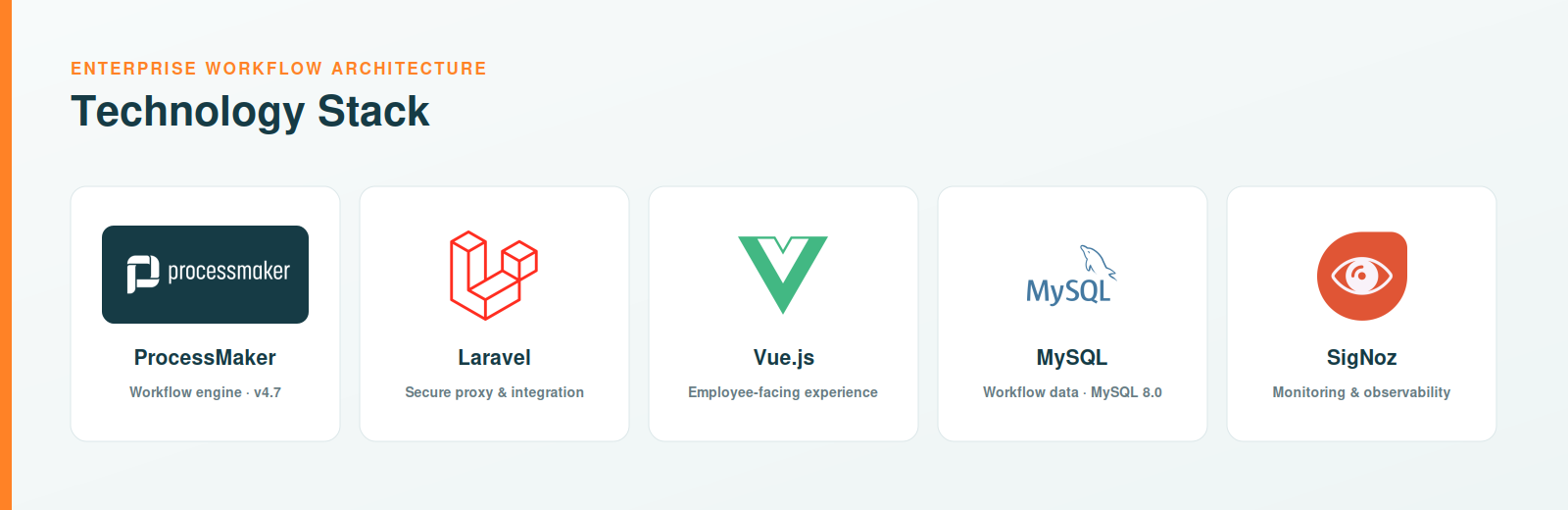
The self-hosted open-source edition of ProcessMaker provided the core capabilities we needed:
- BPMN-based process modeling
- Task routing and assignment
- Workflow state management
- Background job processing
- APIs for integration with the wider Aramin platform
This meant we could focus development effort on the organization’s specific operational needs instead of rebuilding a workflow engine.
The self-hosted model also allowed the organization to add users and workflows without introducing per-user licensing fees. Ongoing costs remained limited to infrastructure, development, customization, and support.
From undocumented work to structured processes
For workflows that were not already documented, DevPactTeam’s project manager worked directly with the client’s IT team to analyze the requirements and define the operational flow.
Together, the teams identified:
- The people and roles involved
- Approval and rejection paths
- Required forms and information
- Assignment rules
- System integrations
- Reporting and access requirements
- Exceptions and edge cases
The client’s IT team performed the initial review. The main acceptance testing was then carried out by the employees and managers of the relevant business unit before the workflow was released for operational use.
Keeping the entire employee experience inside Aramin
ProcessMaker runs in a separately deployed environment and communicates with the main Aramin platform through a Laravel proxy layer.
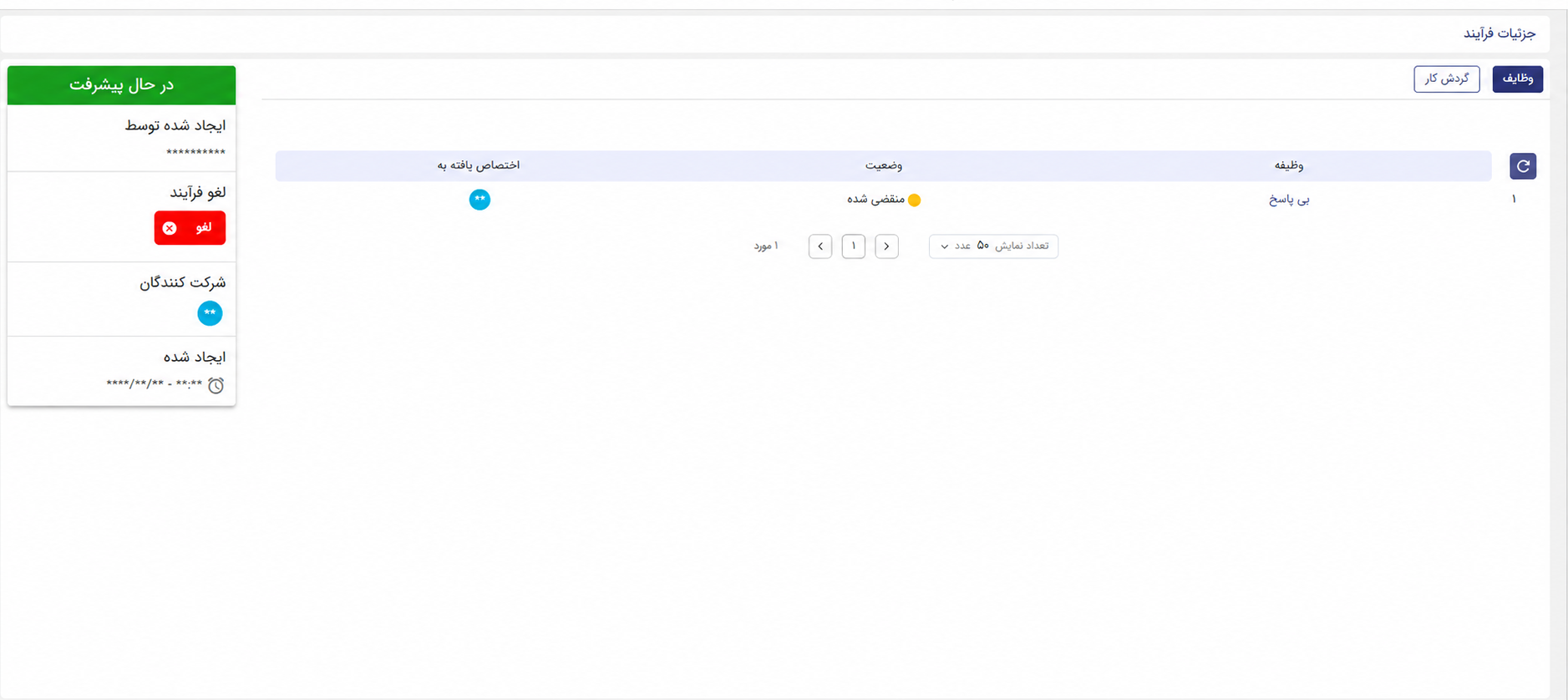
Employees do not work directly with ProcessMaker’s interface. They remain inside Aramin to:
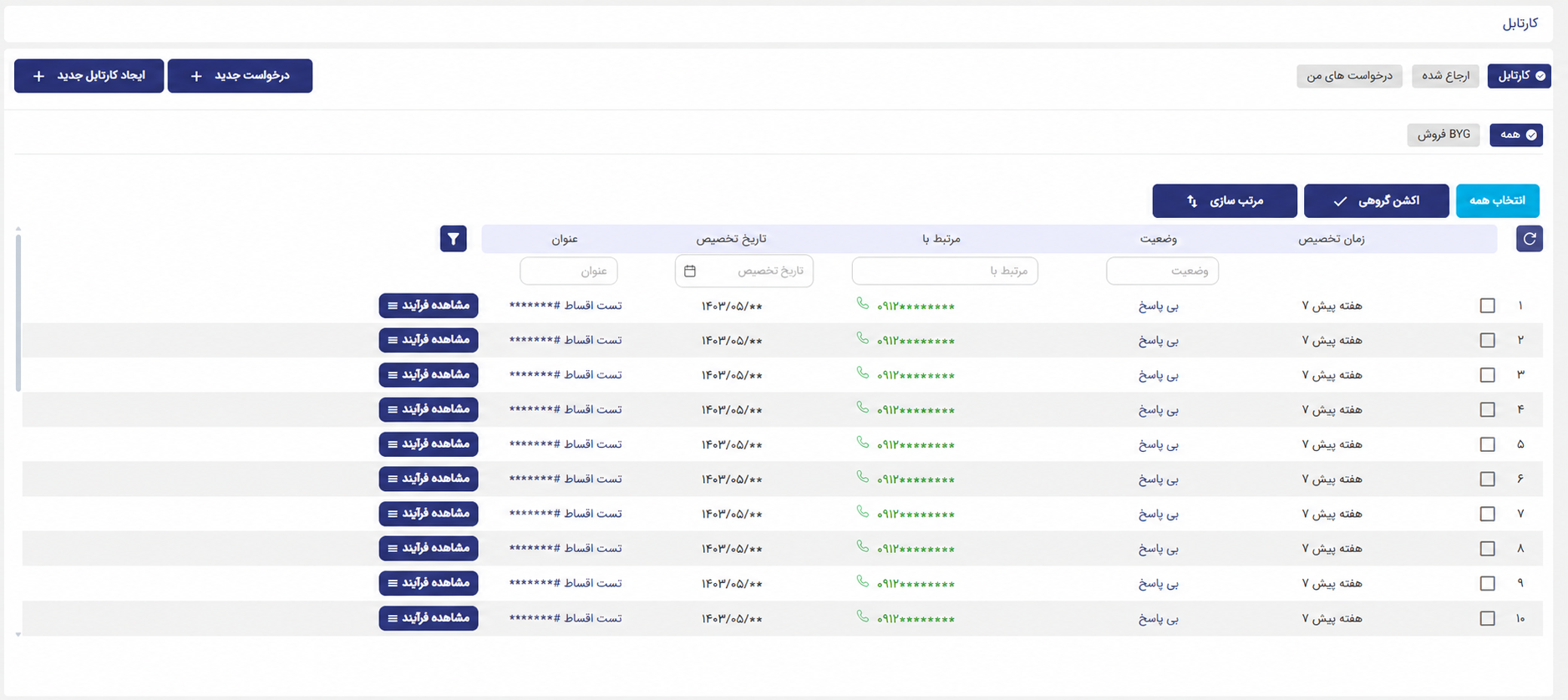
- Start requests
- View assigned tasks
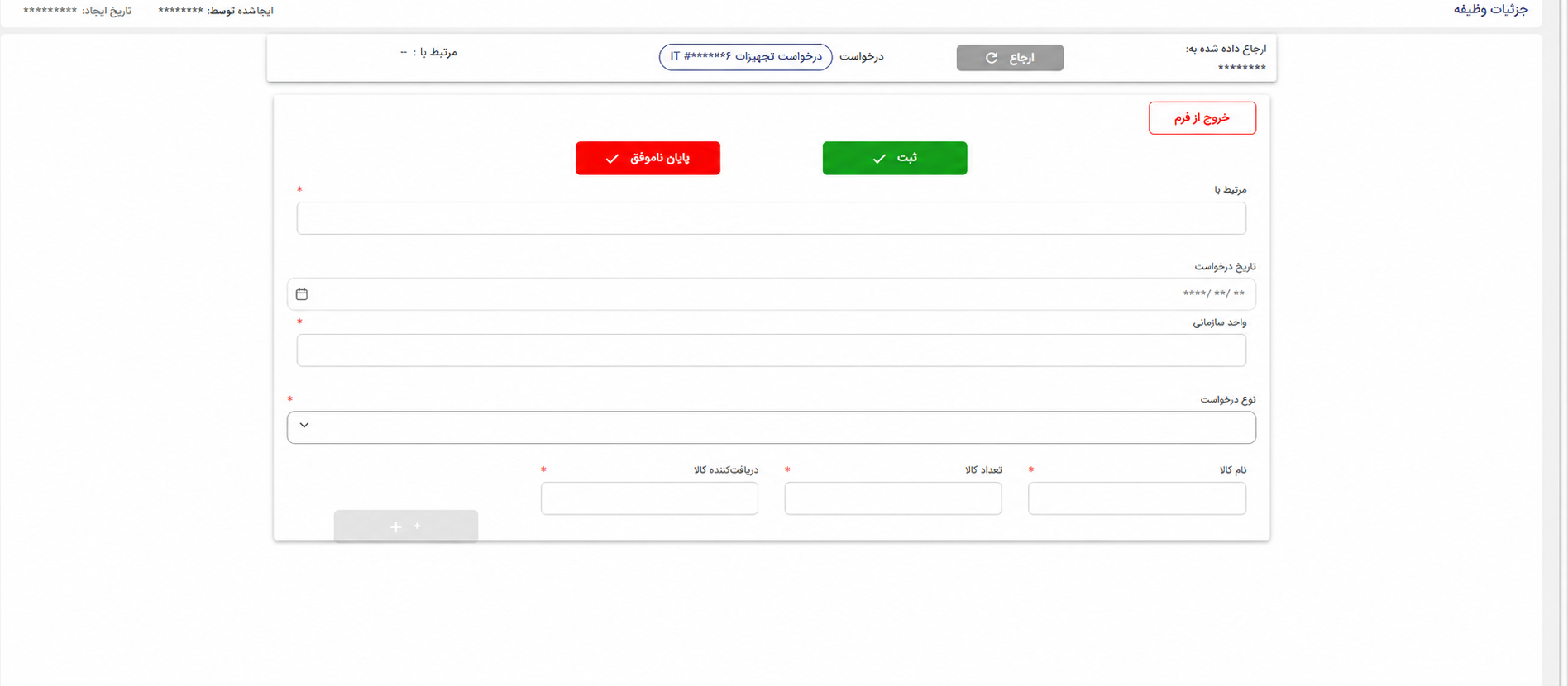
- Complete workflow forms
- Approve or reject tasks
- Review process history
- Track current status
- Access filterable operational reports
The Vue.js client never connects directly to ProcessMaker. Authentication and permissions are checked by Aramin, and authorized requests are passed through the Laravel proxy. Internal ProcessMaker credentials are therefore not exposed to the browser.
ProcessMaker’s own interface is reserved for authorized process designers who create or modify BPMN workflows.
A custom workflow experience built with Vue.js
ProcessMaker manages workflow execution, but the employee-facing experience was developed in Vue.js to match Aramin’s interface and operational requirements.
We extended the standard form capabilities with reusable components tailored to the organization, including:
- Personnel selectors connected to Aramin
- Jalali date inputs
- Sales-manager selectors
- Subordinate-user selectors
- Role-aware organizational fields
- Multi-file upload components
- Document and image viewers
- Specialized fields required by individual processes
This separation allowed employees to use familiar, purpose-built interfaces while ProcessMaker handled routing and workflow state in the background.
Extending ProcessMaker for real business operations
The required workflows went beyond standard form submission and task routing. We developed reusable scripts and integrations for capabilities such as:
- Sending SMS notifications
- Delivering notifications through the organization’s internal chat
- Retrieving employee information from Aramin
- Assigning tasks according to work shifts
- Synchronizing users, roles, and organizational information
- Connecting workflows to external web services
- Returning workflow outcomes to Aramin
- Updating financial approval, payment, insurance issuance, and cancellation statuses
Where possible, these capabilities were implemented as reusable building blocks rather than one-off code for individual workflows. This reduced repeated development as the number of processes grew.
More than a task inbox
Assigned tasks alone were not enough. Managers and operational teams also needed visibility across processes.
We added permission-controlled, filterable views for specific workflow types. Authorized users can access live lists of items such as financial receipts, leave requests, and insurance operations directly inside Aramin.
Each report has its own access rules. Processes are also grouped into categories such as Administrative and Sales, making it easier for employees to find the workflows relevant to their work.
These views retrieve current workflow data directly from ProcessMaker through Aramin’s proxy. A separate synchronized reporting copy is not required, so users see the current process state.
Enabling the client to manage workflows
DevPactTeam initially designed and implemented the workflows. Later, a member of the client’s team was trained to use ProcessMaker’s BPMN modeler.
The client can now create and modify many workflows internally while continuing to use the reusable components, scripts, and integrations developed for the platform.
This reduced dependence on the development team for every process change without sacrificing the integrated employee experience.
Operating at scale
Over approximately three years of production use, the workflow layer has grown to:
- More than 1.7 million initiated workflow requests
- More than 1.44 million completed workflow requests
- Approximately 14 million task records
- 178 process definitions in the current environment, with the majority supporting active operations
- Nearly 1,000 organizational users
- Peak traffic of approximately 1,000 API requests per minute during business hours
The workflows now cover organization-wide administrative processes such as leave, loans, overtime, and business travel, together with business-critical financial, payment, and insurance issuance operations.
As the data volume grew, we added targeted composite indexes and short-lived caching for frequently requested information such as process lists. ProcessMaker’s background-job architecture handles much of the asynchronous workload.
The system is currently operating reliably at this scale without known data-volume-related problems.
Monitoring and operational support
Performance and traffic are monitored through SigNoz. Application exceptions are also delivered to the technical support team in real time, allowing specialists to see and investigate operational issues quickly.
This monitoring matters because the workflow layer supports both everyday employee requests and business-critical insurance and financial operations.
What We’re Testing Next: AI-Assisted Validation
As client-managed workflows grew, configuration mistakes became a new quality-control challenge. We are testing an AI-assisted validator that reviews workflow and form definitions and warns authorized managers about issues such as invalid paths, missing assignments, inconsistent conditions, misconfigured scripts or components, missing fields, and misspelled keys.
Only workflow definitions, form structures, and process-specific validation instructions are sent through the AI API. No operational requests, customer records, employee information, financial documents, or insurance data are shared. The validator is advisory: it does not publish changes or replace testing by IT teams and business users. As this capability is still under testing, no production impact is claimed yet.
The result
The project transformed a fragmented collection of paper forms, spreadsheets, messages, and undocumented activities into a structured workflow environment integrated with the organization’s main operations platform.
As a result:
- Requests have a visible status and current owner.
- Actions and process history are traceable.
- Employees use one familiar platform instead of moving between disconnected tools.
- Managers have easier access to centralized, filterable, live reporting.
- Similar processes can be handled more consistently across teams, branches, and subsidiaries.
- New workflows can reuse existing components, scripts, and integrations.
- The client can manage many process changes internally.
- Growth in users and workflows does not introduce additional per-user licensing fees.
What began with one sales workflow has become a core operational layer supporting nearly 1,000 employees and millions of workflow requests.
What we learned
The main decision was not simply whether to build or buy.
It was to identify which capabilities were already solved well, keep control of the experience and integrations that mattered to the business, and introduce change without forcing a risky replacement of every existing system.
ProcessMaker provided the workflow engine. DevPactTeam designed the integration, user experience, reusable components, operational extensions, performance improvements, monitoring, and long-term support required to make it work inside a real organization.
Planning a workflow automation project?
You do not need to replace every existing system at once. A single workflow, integration, or operational process can be a practical starting point for evaluating the architecture, delivery quality, and long-term fit.

